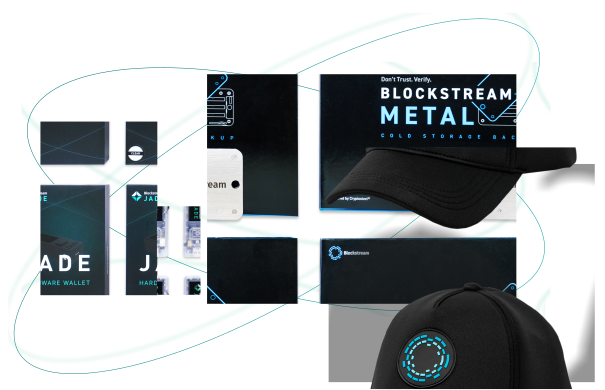
Jade Plus: Enhanced Design meets Maximum Security

 Check our Shop Check our Shop
View our comprehensive video guides to quickly and easily set up your Jade.
For more assistance or troubleshooting, check out the Jade Help Center.

Jade features Genuine Check technology, ensuring that the Jade device you received was indeed manufactured by Blockstream and is not a malicious third-party clone.
Check Authenticity
Scan and display QR codes directly on Jade to send bitcoin and verify addresses—no USB or Bluetooth connection required.
QR PIN UnlockThe Blockstream app is the all-in-one Bitcoin experience.
Hold your own keys, buy bitcoin directly to self-custody, and transact seamlessly. Pair with Jade to equip yourself with everything you need for effortless Bitcoin management.
Download Now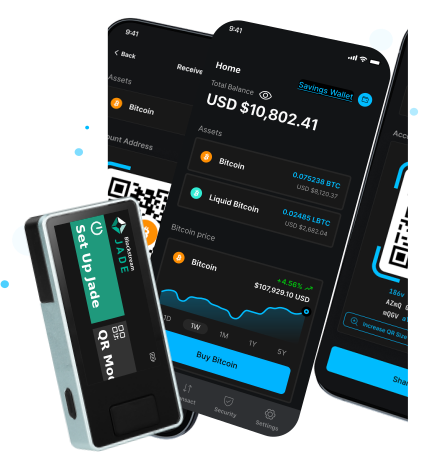
Jade takes full advantage of Bitcoin’s capabilities, offering novel utility for new users and advanced veterans alike.

Explore the powerful properties of bitcoin layer-2 and utilize Jade to store and trustlessly trade Liquid assets.
Learn More
Bolster your security by requiring multiple Jades to spend funds, eliminating a single point of failure.
Watch Video
Since Jade is fully open source, you can easily build your own device using off-the-shelf parts.
Learn MoreExplore the powerful properties of bitcoin layer-2 and utilize Jade to store and trustlessly trade Liquid assets.
Learn MoreBolster your security by requiring multiple Jades to spend funds, eliminating a single point of failure.
Watch VideoSince Jade is fully open source, you can easily build your own device using off-the-shelf parts.
Learn MoreTry these next steps:

Comprehensive instructions for setting up, updating, and transacting with Jade

Address the most common problems you might encounter with Jade

Answers to the most commonly asked questions about Jade
Don’t settle for paper when it comes to storing your recovery phrase. Pair your Jade hardware wallet with a metal backup for maximum protection.
VIEW DETAILS